Class 4: Prompt Design for LLMs. "Using AI won't make you dumber, unless you let it."

Educator, Creative AI Academy · Pratt design + UPenn creative writing
The class in brief
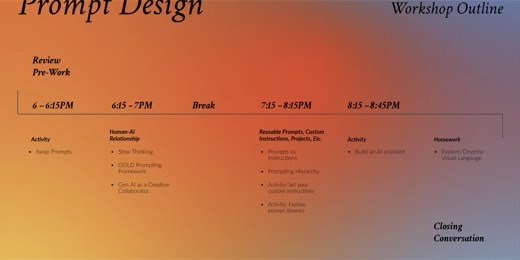
After this page you can write any request as a GOLD block, tell a prompt from an instruction, and set up an AI debate partner that actually pushes back. Sydney's first full-length lecture built the vocabulary the rest of the course runs on: the GOLD framework for structuring any prompt, and the three-layer prompting hierarchy.
It also covered the difference between a prompt and an instruction, and three ways to set up AI as a working partner instead of a yes-machine. The class built custom instructions live and closed by starting a reusable Project or Gem.
Slow thinking, the director's frame
Why this matters · 6:53 PM
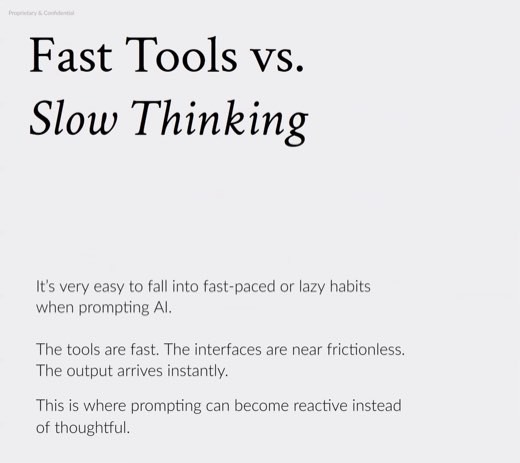
Frictionless tools breed reactive, lazy prompting. Slow down first.
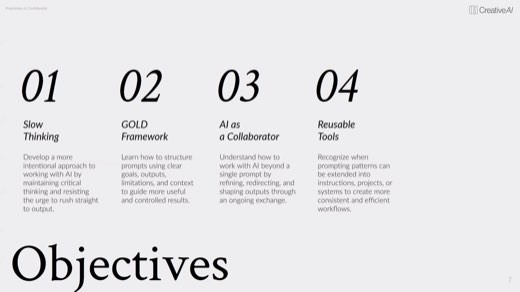
Sydney opened on the session objectives , then the warning behind the joke : don't rush to outputs, volume is not depth, speed cannot replace direction.
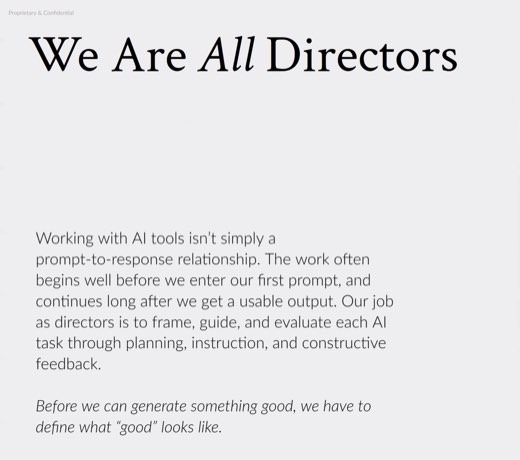
Sydney's frame for the whole night is "we are all directors." You frame the request, guide the exchange, and evaluate the result. None of that works if you skip straight to "give me 20 ideas" before defining the problem, the audience, and what good actually looks like .
The framework · 7:01 PM
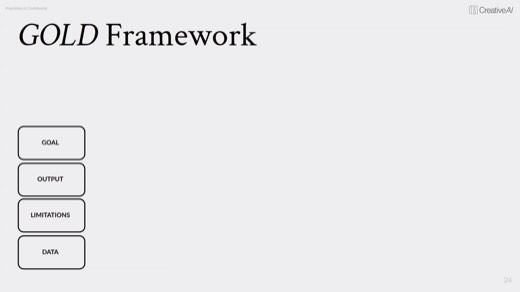
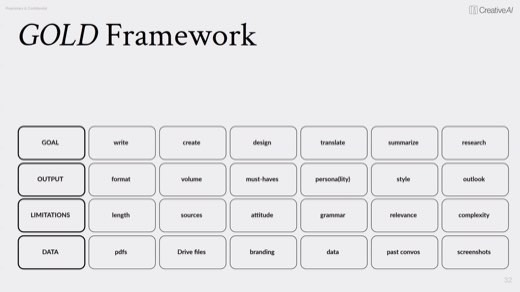
GOLD stands for Goal, Output, Limitations and Data
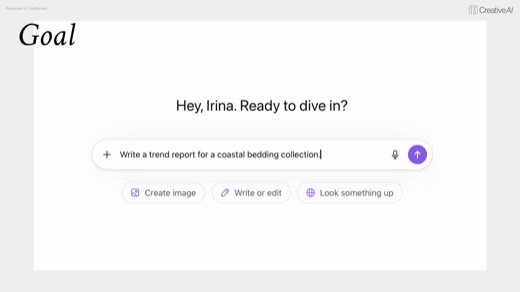
Goalwhat you want the AI to do
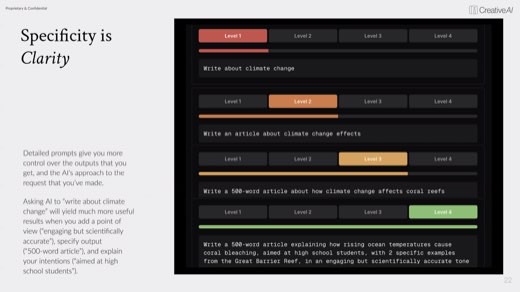
Write, create, design, translate, summarize, research. "Specificity is clarity": the same request gets sharper at every added level of detail, from a vague ask to a fully scoped 500-word article.
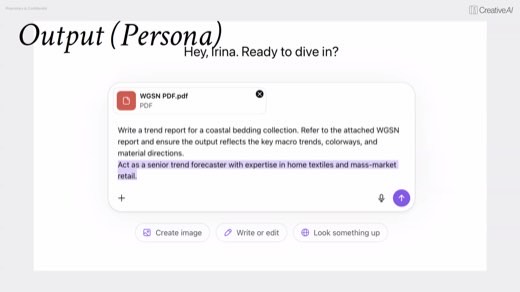
Outputwhat it hands you back
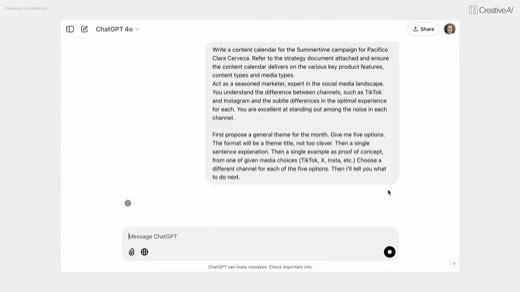
Format, volume, must-haves, persona, style, outlook. This is where you tell it who to be: "act as a seasoned marketer," "act as a senior trend forecaster."
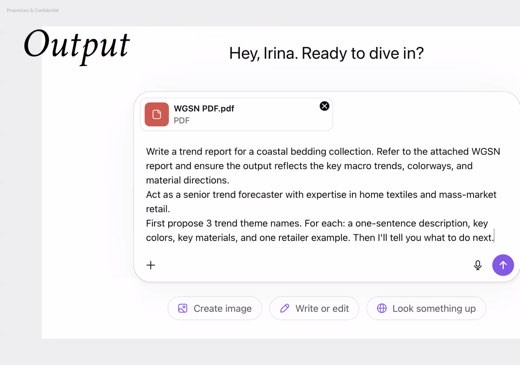
Limitationswhat to avoid or emphasize
Length, sources, attitude, grammar, relevance, complexity. Sydney's pro move: "then I'll tell you what to do next" is a limitation that stops the model from running ahead of you.
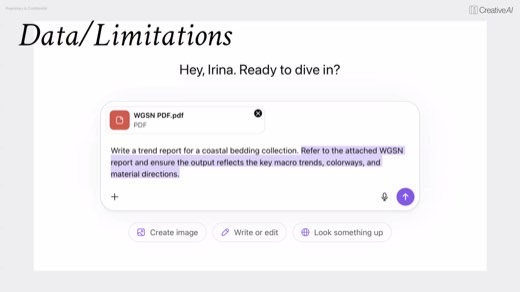
Datathe context you provide
PDFs, articles, branding, Drive files, past chats, screenshots. The worked demo fed a WGSN trend PDF straight into the prompt before asking for anything.
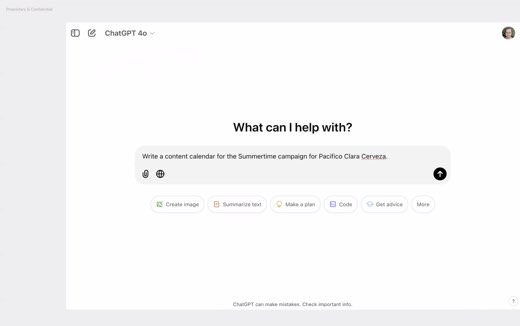
The proof case was a bare prompt against a GOLD prompt, side by side: "write a content calendar for the Pacifico Clara summer campaign" . The GOLD version wrapped the same ask in a strategy doc, a marketer persona, and a request for five theme options first .
Tony's point was that a bare prompt looks like enough but leaves you wrestling with corrections for the rest of the thread.
AI as a collaborator
The craft · 7:08 PM
It defaults to agreement. You have to set the terms of the relationship.
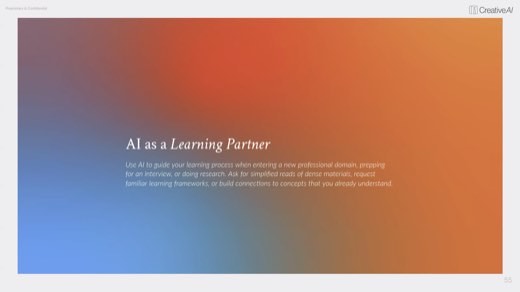
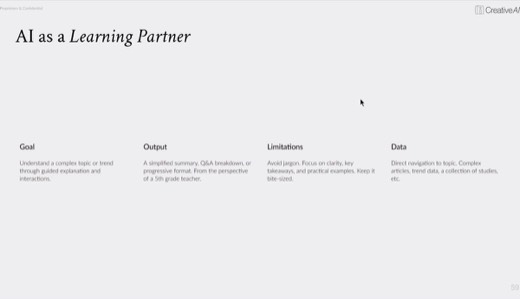
Three collaborator patterns, each run through its own GOLD build. Learning partner: guided back and forth instead of walls of text, "explain like a 5th-grade teacher" .
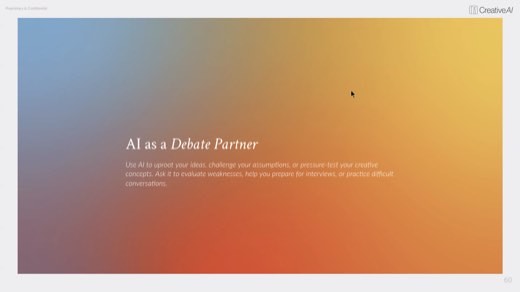
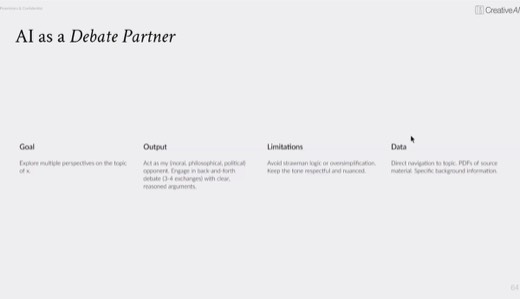
Debate partner: the AI agrees by default, so you set it up to push back. "Act as my opponent, three to four exchanges, avoid straw man, keep it nuanced" .
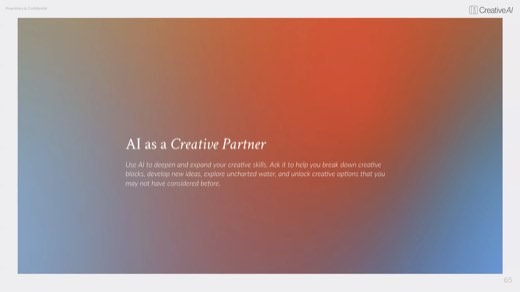
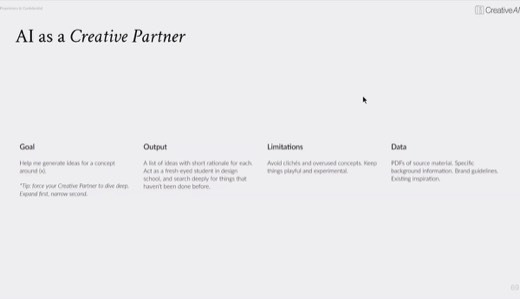
Creative partner needed the most forcing: fresh-eyed design student, find what hasn't been done, wild mad scientist, avoid clichés, because a generic ask gets a generic answer .
The one caveat tied to next week's homework: know the difference between looking at inspiration and recreating it. Extract the light, color, and mood, then build something new instead of copying the reference.
The framework · 7:37 PM
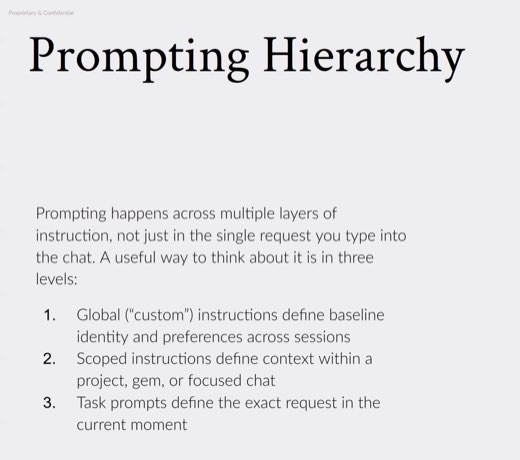
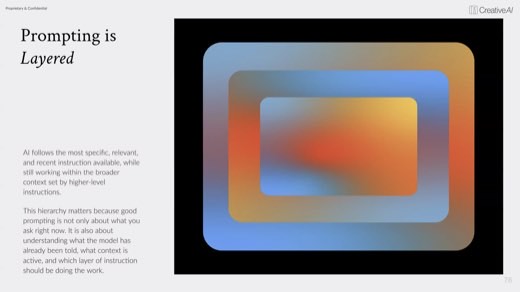
The prompting hierarchy
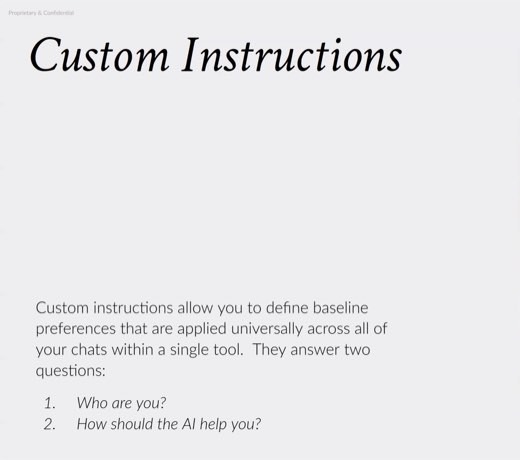
Custom instructionsbaseline, every chat
Your identity and preferences across the whole tool. Answers "who are you" and "how should the AI help me every time."
Scoped instructionsa Project, Gem, or focus chat
Governs everything inside that one ecosystem: a role, reusable instructions, and reference files, without touching chats outside it.
Task promptsthe smallest layer
The exact request in the moment. The model follows the most specific and most recent instruction available, under the umbrella of the layers above it. Overarching does not mean more powerful.
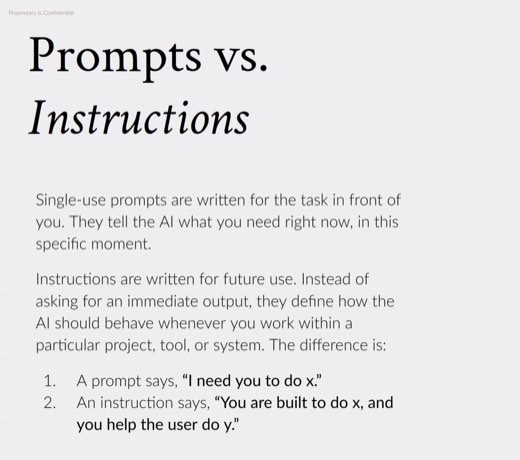
The distinction underneath it: a prompt is single-use, written for the task in front of you. An instruction, by contrast, is written for future use and defines how the AI behaves inside a project or tool going forward .
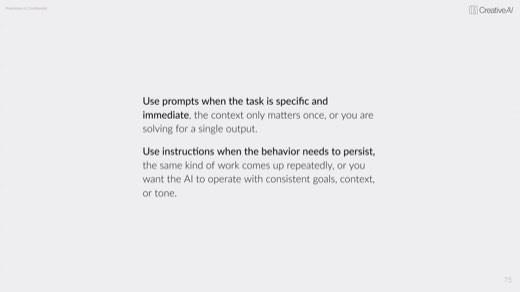
Use a prompt when the task is specific and immediate, an instruction when the behavior has to persist .
The exercise · 7:49 PM
Building your custom instructions live
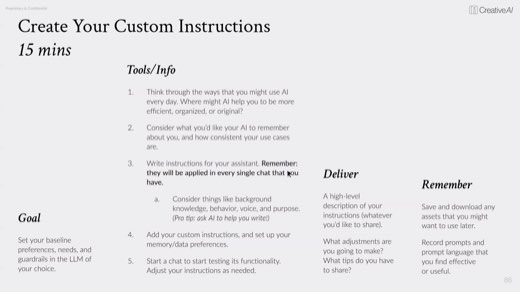
15 minutes: draft the custom instructions for your main LLM.
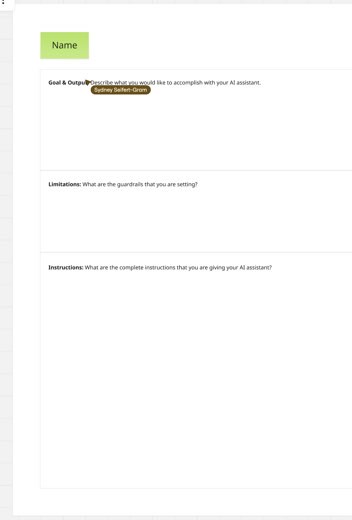
Goal, tools/info, what to deliver, what to remember, laid out as one worksheet . Deliverable: post a high-level note to Miro on what you wrote, what worked, and what failed, shareable next class if unfinished.
Sydney's downloadable GOLD assistant-builder file does this by interview: upload it, say "start the interview," and it drafts your instructions with you.
The alignment checkpoint
End a long or complex prompt with "do you understand what I'm asking of you?" It forces the model to restate the task back to you, so you catch a misparse or a mis-paste before it runs. Tony tied it to Geoff Gibbins's Class 3 tip: have the AI generate its answer as context first.
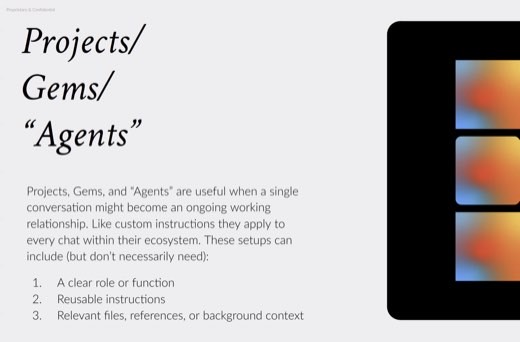
Reusable tools: Projects, Gems, Agents
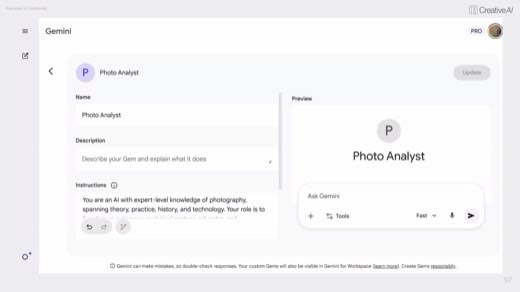
Same idea across four platforms: Projects in Claude and ChatGPT, Gems in Gemini, Agents in Copilot . Sydney's own examples: a Photo Analyst gem that reads a photo for equipment, lighting, and era , a Gradients ChatGPT project, and an Alt-text Claude project built for accessibility.
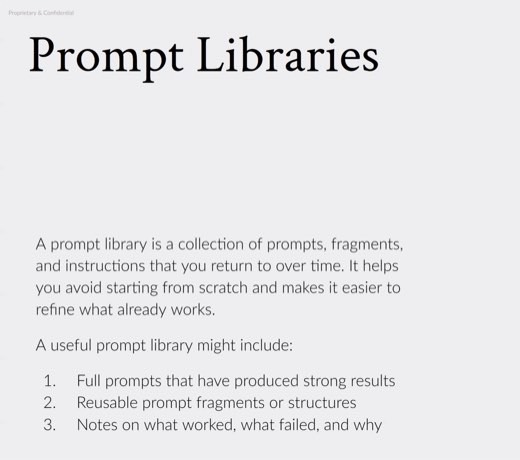
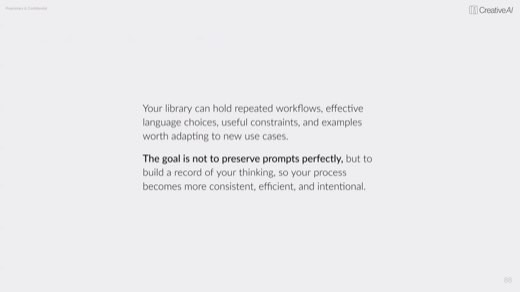
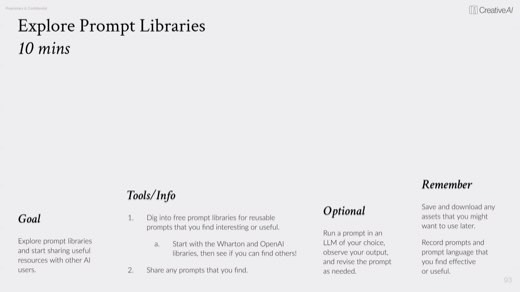
Never pay for a prompt library
Free libraries are everywhere. Named on the class Miro board: the Wharton School's library, OpenAI's educator and student packs, and Claude Code libraries . The 30-minute follow-on activity asked the room to build one full assistant from scratch, then deliver it the same way.
Methods and prompts
Five methods to take with you
Write it as a GOLD block
Goal, output, limitations, data, as four separate lines instead of one run-on request. The format alone stops the model from guessing at what you left out.
Working prompt
Goal: [what you want done]. Output: [format, length, persona, style]. Limitations: [what to avoid or emphasize, and stop before the next step until I say go]. Data: [paste or attach the source material]. Do you understand what I'm asking of you?
Build a GOLD block on your own request →You will know it worked whenthe first reply restates your brief or asks a clarifying question instead of starting the work, and if it jumps to output, your Limitations line did not land.
Set up a debate partner
The default mode is agreement, so name the opposition explicitly. Nuanced pushback, not a straw man, and capped at a few exchanges so it stays useful.
Working prompt
Act as my opponent on this position: [state it]. Push back for 3 to 4 exchanges. Avoid straw-manning my argument, stay nuanced, and argue against me as if you actually disagreed. I'll respond to each point before you move to the next.
You will know it worked wheneach of its pushback turns responds to your specific point rather than repeating the same objection, and it stops after three or four exchanges.
Force the creative partner deeper
A generic ask gets a generic answer. So the persona has to do real work: fresh eyes, an explicit ban on the obvious, and permission to be strange before it gets curated back down.
Working prompt
Act as a fresh-eyed design student who has never worked in this category. Find what hasn't been done. Think like a wild mad scientist: avoid clichés, avoid the first idea, avoid anything a competitor already ran. Give me the strange options first, then we'll narrow.
You will know it worked whenthe first ideas it gives you are the strange, unfamiliar ones, not the safe options it would normally lead with.
Judge your own custom instructions
Write your custom instructions yourself first, state what you think they cover, then make the model find the gaps. Your draft is the thing being graded, not the model's.
Working prompt
Here are the custom instructions I wrote for you: [paste]. I answer first, then you check me. My call on what these cover and don't: [your answer]. Now check me: what's missing, what contradicts itself, and what's too vague to actually enforce?
You will know it worked whenit names a specific gap, contradiction, or vague line in your instructions, not just a general sense that they need work.
Stand up a reusable Project or Gem
A role, reusable instructions, and reference files, so every chat inside it inherits the same context instead of you re-explaining it each time. Sydney's model: a Photo Analyst gem that already knows how to read a photo.
Working prompt
You are a [role] built for one recurring task: [describe it]. Every time I bring you a new [input type], follow these steps: [list them]. Reference the files in your knowledge base before answering. Ask me at most two clarifying questions, then get to work.
You will know it worked whenit asks no more than two clarifying questions and references your uploaded files before starting the actual task.
The close · 8:28 PM onward
Five takeaways for every chat
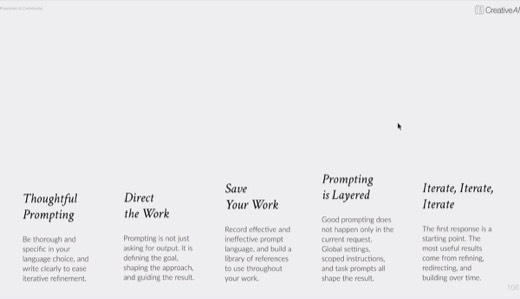
Sydney's closing build named five takeaways .
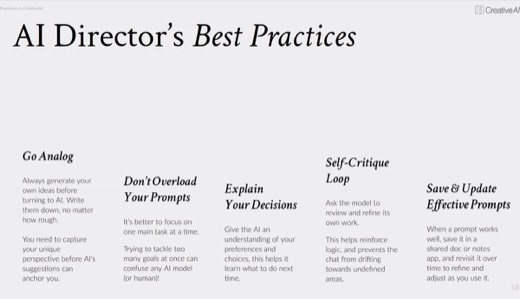
- Prompt thoughtfully: be thorough and specific, and write to ease iteration.
- Direct the work.
- Save your work.
- Remember prompting is layered.
- Iterate, iterate, iterate.
The Miro worksheet for the closing "Build an AI Assistant" activity carried the same four fields as the earlier GOLD builds, plus one new one: Reflection . The discipline underneath all of it: nothing here works without you deciding, in writing, what "finished" actually means.
Try this prompt
Quiz me on the GOLD framework and the three-layer prompting hierarchy. Then give me a real request I've been putting off and make me rewrite it as a GOLD block before you answer it.
You will know it worked whenit quizzes you on the GOLD framework and the three-layer prompting hierarchy first, then makes you rewrite a real request as a GOLD block before it answers it.
The shelf
Tools and references
Tools that night
- Claude, ChatGPT, Gemini, Copilot, as the four Project/Gem/Agent platforms
- Krea, Corrix, Figma Make, referenced from earlier classes
- Sydney's GOLD assistant-builder file and Custom Instructions builder, both downloadable on Miro
Named in the room
- Sydney's real assistant examples: Photo Analyst gem, Gradients ChatGPT project, Alt-text Claude project
- Free prompt libraries: Wharton School, OpenAI packs, Claude Code libraries
- Models cheat-sheet: Claude Opus, Sonnet, Haiku; ChatGPT Pro, Thinking, Instant
Every frame from this class
37 captures, in order. Click any one to see it full size.