Class 7: AI-Enhanced Workflows. "Don't replace a human with AI. Double your power instead."
Leads AI-enhanced workflows at product; part of the Creative AI team
The class in brief
Irina Kelly (Salesforce) taught the AI-Enhanced Workflow Canvas: map a project's steps, then work down through five rows.
- The first row is desired outcome.
- The second row is barriers.
- The third row is AI use case.
- The fourth row is tools.
- The fifth row is how your own role shifts.
Dom and Tony opened with a debate on who owns creative value once AI speeds everything up. After this page you can map any real workflow onto the canvas, tag each AI use Automate, Enhance, or Advise, and stop starting every chat from a blank page.
Pick two: good, fast, or cheap
Why this matters · 6:21 PM
Clients are compressing time, not quality. Someone has to hold the line.
The night opened with the room's running AI-portrait debate about whether an artist should be paid for AI-assisted revisions, and who owns the vision through them . Dom's reframe: clients used to give three weeks for a creative exercise. Now the request reads the same but assumes AI, and the time shrinks to one.
A classmate read the market the same way from the job side. Postings that once just asked for design skill now add "scale your design work with AI" as a qualifier, a year apart.
"We kind of have to stand up as protectors of curation, and what is good."
Dom, on the creative's job once AI compresses time
The framework · 6:44 PM
The AI-Enhanced Workflow Canvas
Irina opened her half of the night on the reframe the whole lesson sits on: organizations think "replace one human with AI."
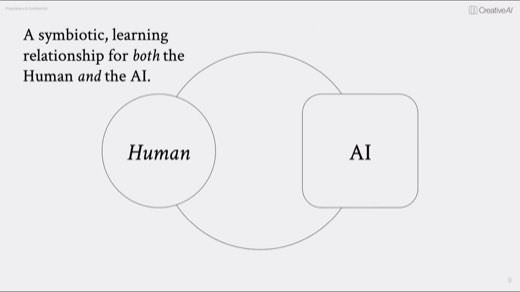
What she wants instead is everybody keeping their own AI partner and getting twice as capable .
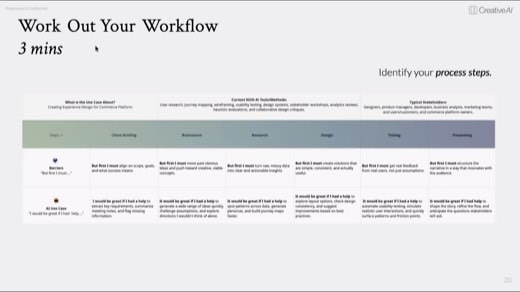
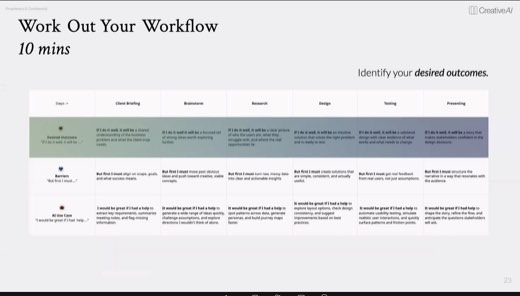
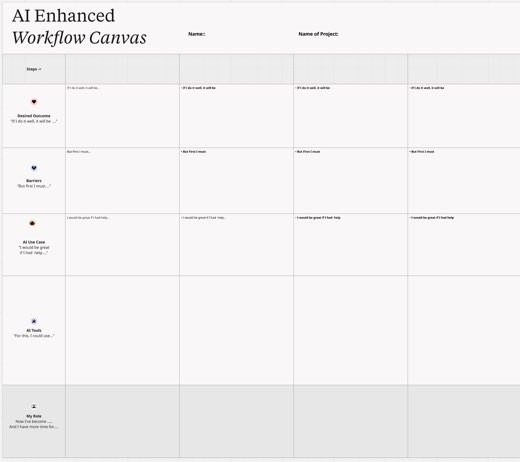
The canvas itself has one student per Miro frame. Columns are your project's 4 to 6 high-level steps, and five rows go underneath.
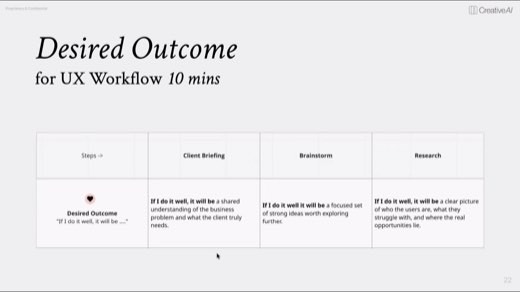
Desired outcome"if I do it well, it will be…"
The adjectives you'd use to describe a step done right. This row is where the human expresses taste; that's the value nobody automates away.
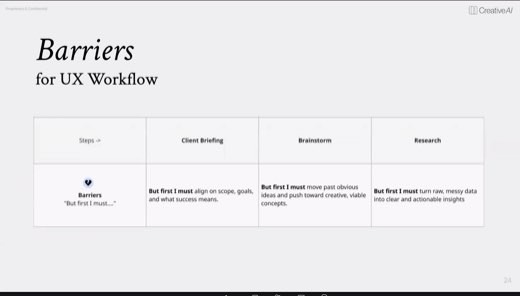
Barriers"but first I must…"
Not a problem statement. The one hard thing you must actually do to reach the outcome, kept separate from what good looks like.
AI use case"it would be great if I had help…"
Where AI could take load off this step. Leaving it blank, "this stays human," is a valid answer.
AI tools"for this, I could use…"
Name the actual tool per step and tag it. One step can carry several tools.
My role"now I've become…, with more time for…"
How the job itself shifts once the row above is filled in. The night's real question, made concrete per project.
The exercise · 7:16 PM
Work out your own workflow
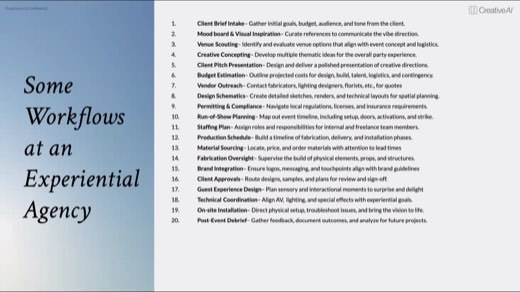
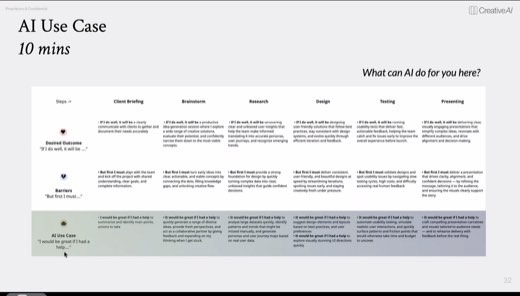
Irina's own six UX steps, filled all the way across.
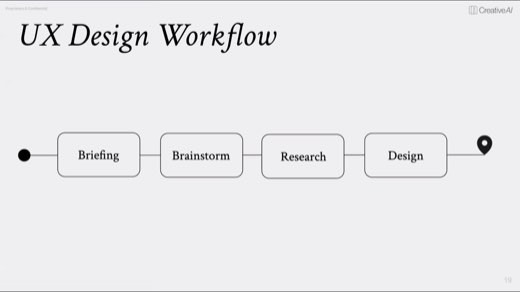
She ran her own workflow (client briefing, brainstorm, research, and so on) through the canvas first. Desired Outcome and Barriers were written out row by row, as the pattern to copy .
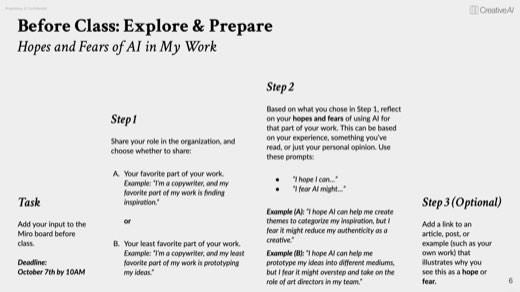
Homework: finish the last two rows, AI Tools and My Role, by the next class.
A canvas finished early
A classmate working on an auto-show booth project had a canvas filled end to end well before the room's quiet work block ended. It was a finished canvas, steps mapped from brief to install, each with its own barrier and AI use case named plainly rather than left blank.
Leaving a row blank is an answer
Irina's repeated point through the work block: a step with no AI Use Case entry isn't an unfinished row. It's the canvas telling you the step stays human, and that's worth writing down as deliberately as any tool name.
Automate, enhance, or advise
The craft · 7:55 PM
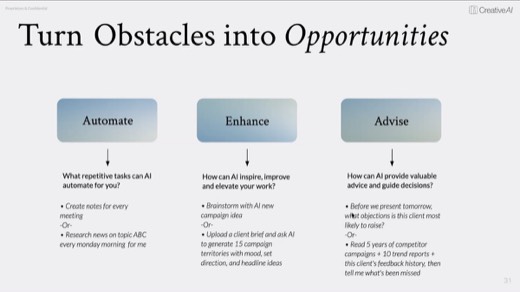
Three questions to ask of any AI use case before you name a tool.
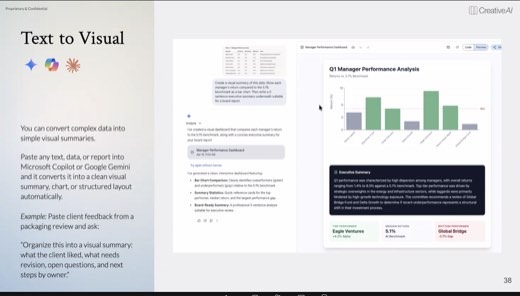
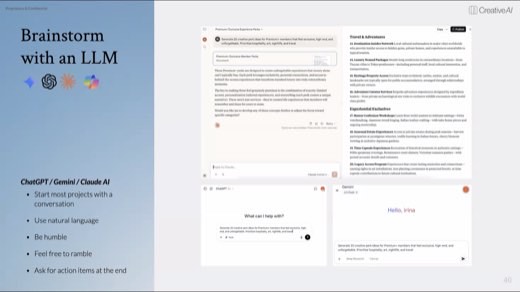
Post-break, the AI Use Case row got its own vocabulary . Can it Automate a repetitive task and just run (meeting notes, weekly research)? Can it Enhance by working with you (brainstorm, "upload a brief, give me 15 campaign territories with mood and headlines")?
Or can it Advise, surfacing insight you couldn't reach alone, like reading a client's history to predict their objections before the meeting ?
The tools · 8:18 PM onward
Sorted by what they actually do
Irina's own habit, when a classmate asked how she keeps projects straight across so many tools: "I already have a workspace that knows so much about my project. I'm not starting from a blank state."
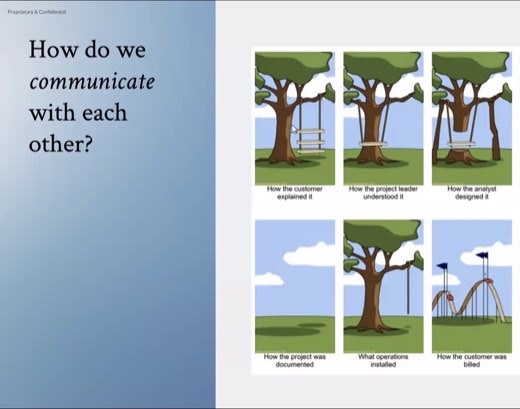
One notebook or gem per client, reused every session, not a fresh chat each time. The slides behind it: the Communication category and its category card.
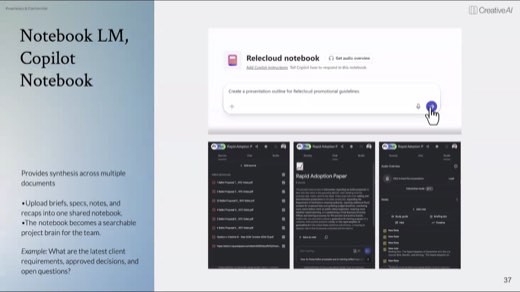
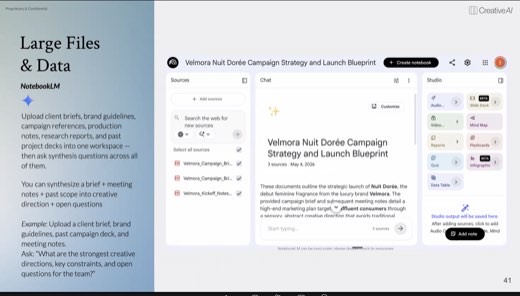
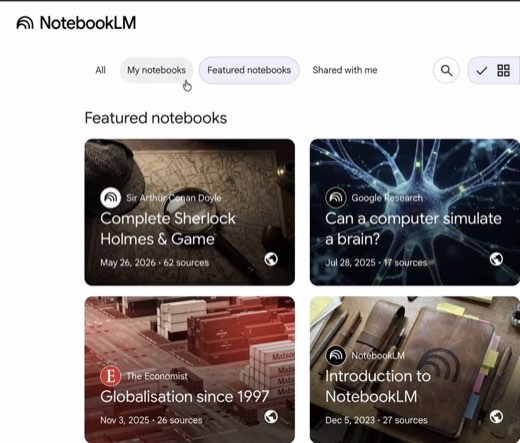
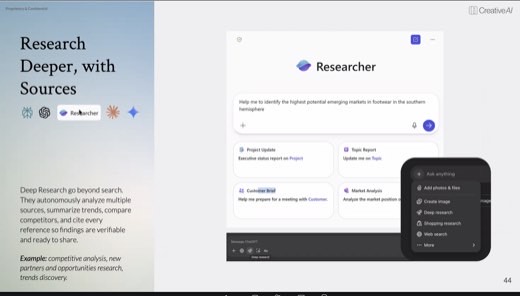
Research tools carried the same discipline further. NotebookLM answers only from what you upload and cites who said what. It says "I don't have that" instead of guessing, because for work that must be right, accuracy outranks creativity.
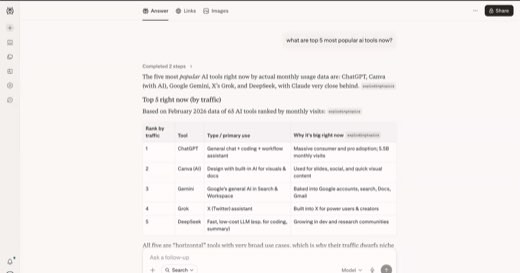
Perplexity's Model Council runs one question across Google, ChatGPT, and Claude at once . It shows where they agree, disagree, and go their own way .
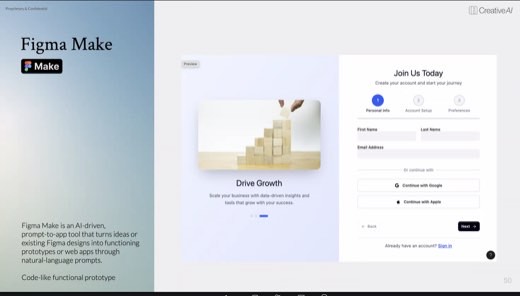
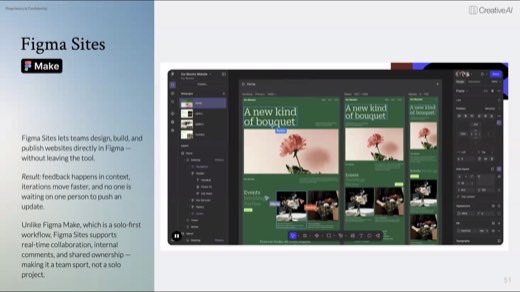
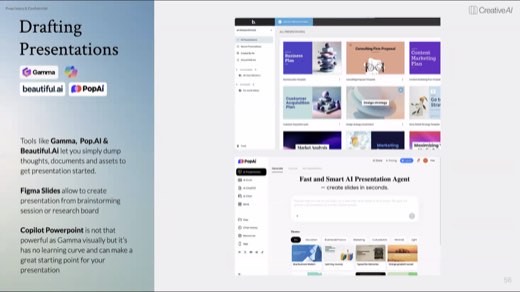
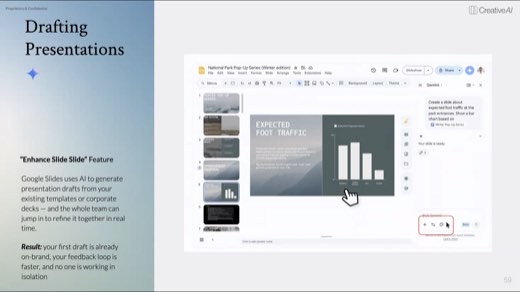
On the design side, Figma Make turns a prompt into a click-through prototype and Figma Sites publishes it. On presentations, Gamma and Beautiful.ai draft a deck from a dump of thoughts so time goes to the story, not the pixels.
"I don't start from a blank chat. I have a workspace set up that already knows my project."
Irina, answering how she keeps projects straight across tools
Methods and prompts
Five methods to take with you
Map the workflow yourself first
Write your own steps, desired outcomes, and barriers before asking AI anything. The canvas only works if the taste (the outcome row) and the real friction (the barrier row) come from you.
Working prompt
Here is one real workflow from my work, 4 to 6 steps beginning to end: [list them]. I'll write the desired outcome and the one barrier for each step first. Then you check me: did I keep "what good looks like" separate from "what it takes to get there"?
For any step I leave without an AI use case, tell me honestly whether "this stays human" is true, or whether I'm just avoiding it.
You will know it worked whenit names a specific step where you likely wrote a barrier instead of an outcome. Or it calls out a 'stays human' step you may be avoiding.
Tag each task Automate, Enhance or Advise
Every AI use case earns one of three labels before you pick a tool. The label tells you what kind of tool you actually need, not just that you need one.
Working prompt
Here's my workflow with an AI use case noted for each step: [paste]. Tag each one Automate (runs on its own, set once), Enhance (works with me, brainstorm-style), or Advise (surfaces insight I couldn't get alone). One step can carry more than one tag. If a step doesn't actually need AI, say so plainly.
You will know it worked wheneach step in your workflow carries one of the three tags, and it says plainly if a step doesn't actually need AI at all.
Prime a workspace instead of starting blank
Irina's own answer to "how do you stay consistent across tools": one notebook or gem per client, fed once, reused every session instead of re-explaining the project each time.
Working prompt
Before we start: here is my project [upload the brief, brand material, past work, whatever you actually have]. Study it and hold it as context for this entire conversation. Don't make me re-explain the project every time I ask something new.
You will know it worked whenlater questions in the same conversation get answered using the project material you uploaded, without you having to repeat it.
Run one question through a model council
Perplexity's Model Council pattern, portable to any set of models you have access to: same question, multiple models, and the value is in where they disagree.
Working prompt
Research [topic], and before giving me one answer, show me where different models would agree, where they'd disagree, and what unique angle each brings. Then give me your synthesis and flag anything you're least confident about.
You will know it worked whenit names at least one specific point where models would disagree, not just a single averaged answer, and flags its own weakest point.
Ground the answer in your own sources
NotebookLM's core discipline, usable in any tool that supports uploaded context: the model answers only from what you gave it, and says so when it can't.
Working prompt
Answer only from the sources I've given you: [upload]. If something isn't in these documents, tell me you don't have it instead of filling the gap from general knowledge. Cite which source each claim comes from.
You will know it worked whenevery claim it makes is tied to one of your uploaded sources, and it tells you plainly when something isn't in them at all.
The close · 9:03 PM
The homework is the last two rows
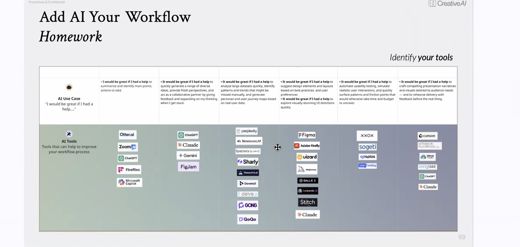
The closing slide left the room with a fully-filled example canvas, tool logos named per step. It was the target for the two rows Irina skipped for time .
The AI Tools row asks you to name the tool per step and tag it. The My Role row asks you to finish the sentence "now I've become…, and I have more time for…." Both rows are due by the next class.
Try this prompt
Quiz me on the five rows of the AI-Enhanced Workflow Canvas and the three mindsets. Then hand me a small real workflow of mine and make me fill the canvas out loud, one row at a time.
You will know it worked whenit quizzes you on the five rows of the workflow canvas and the three mindsets first. Then it makes you fill the canvas out loud on a real workflow, one row at a time.
The shelf
Tools and references
Tools that night
- The AI-Enhanced Workflow Canvas, one per student on Miro
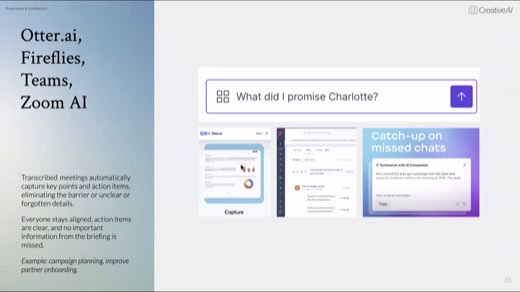
- Meeting-capture tools: Otter.ai, Fireflies, Teams, Zoom AI.
- Source-grounded knowledge tools: NotebookLM, Copilot Notebook.
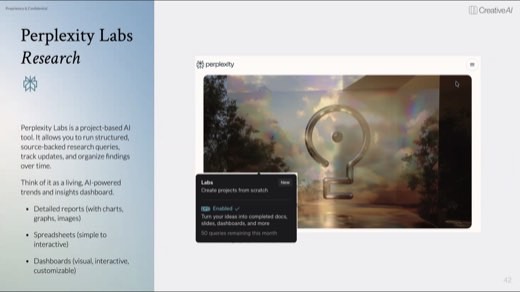
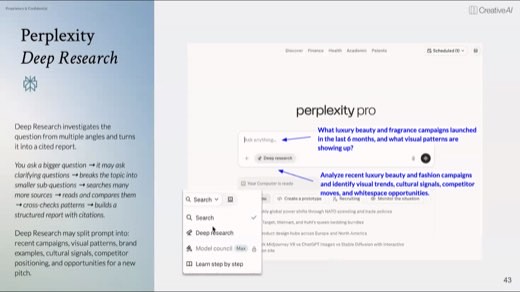
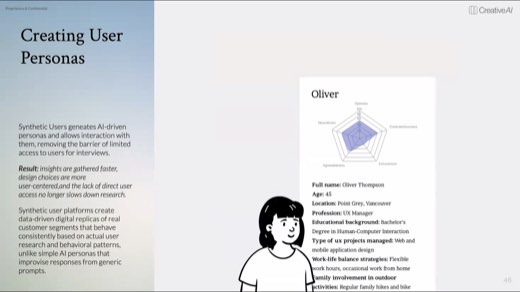
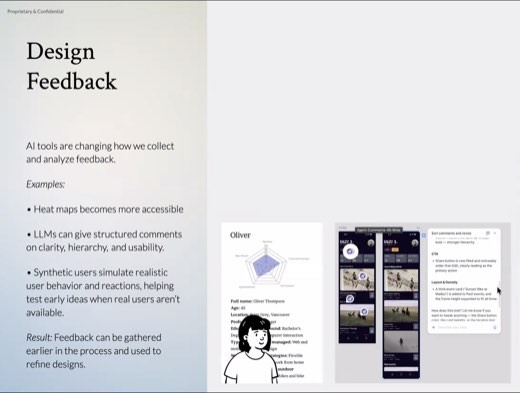
- Perplexity + Deep Research + Model Council; Synthetic Users
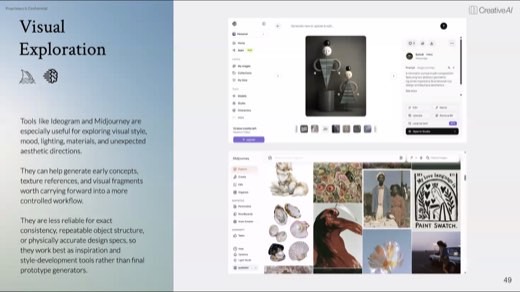
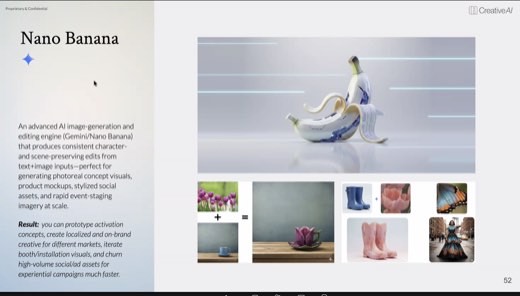
- Midjourney, Ideogram, Nano Banana; Figma Make, Figma Sites
- Gamma, Pop.AI, Beautiful.ai, Figma Slides, Copilot PowerPoint
Named in the room
- Good, fast, cheap: pick two, the room's framing for compressed timelines
- An ethics session and an exponential-thinking class, both named as coming later in the semester
- The Canvas homework: finish the AI Tools and My Role rows by the next class
Every frame from this class
35 captures, in order. Click any one to see it full size.